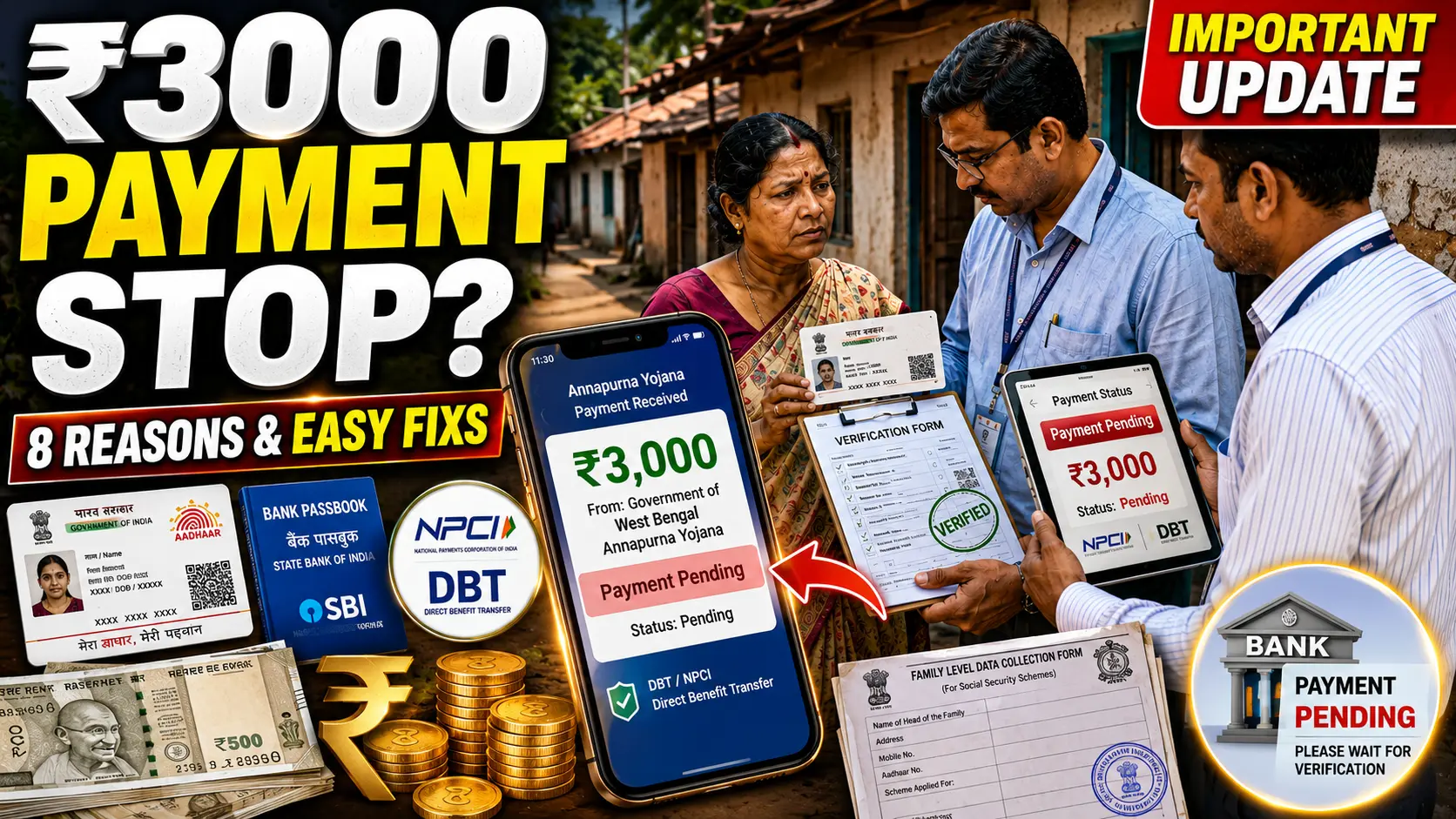

Big news has just arrived for all Annapurna Yojana applicants. The government has finally activated the status check link, and thousands of people are now rushing to find out whether their application got accepted or rejected. If you have already submitted your Annapurna Yojana form, then this is the most important update you need to read right now. Many applicants are finding that their forms have been rejected, while others are seeing acceptance. So, without wasting any time, let us walk you through everything you need to know about checking your Annapurna Yojana application status online in just a few easy steps.
Annapurna Yojana Status Check: What You Need to Know First
Before you check your status, you should understand that the portal is currently receiving very heavy traffic. Therefore, the website may take a little longer than usual to load. Moreover, you must have your registered mobile number ready because the portal sends an OTP to verify your identity. Additionally, make sure you remember which district you selected at the time of applying, as you will need to select it again during login.
How to Check Annapurna Yojana Application Status Online
Checking your Annapurna Yojana status is actually quite simple. However, you need to follow each step carefully to avoid any confusion. Here is a complete step-by-step guide to help you check your status right now.
First, open your browser and visit the official website at socialsecurity.wb.gov.in. This is the only official portal, so make sure you are on the correct website. Once the page loads, you will see the Citizen and Family Login option or the Citizen Portal access button. Click on it to proceed.
Next, you will land on the Applicant Login page. Here, you need to select your district from the dropdown menu. After selecting your district, enter your registered mobile number in the given field. Then, fill in the security captcha code correctly and click on the OTP Request button.
Subsequently, you will receive a one-time password on your registered mobile number. Enter that OTP in the box provided and submit it. After successful verification, your application status will appear on the screen immediately.
What Information Will You See on the Status Page
Once you log in successfully, the status page shows you several important details. First of all, you will see your Application ID and Application Number clearly displayed at the top. Moreover, the name of the head of the family along with the date and time of form submission will also be visible. Additionally, you can scroll down to check the beneficiary status of each family member listed in your application.
| Status Type | Meaning |
|---|---|
| Accepted | Your application has been approved successfully |
| Rejected | Your form has been completely rejected |
| Payment Failed | Application verified but payment did not reach your bank |
| Submitted | Form submitted and under review |
Annapurna Yojana Application Rejected: What Should You Do
If your application shows a rejected status, do not panic. However, you should understand that rejection is a serious matter and needs your immediate attention. Unfortunately, the portal currently does not display the specific reason for rejection, which is a major concern for thousands of applicants. Therefore, many people are left confused about what went wrong with their forms.
In most cases, rejection happens due to incorrect information, mismatched documents, or incomplete data in the form. For instance, problems with voter card details or family data mismatches are common reasons behind rejection. Consequently, experts and advocates are demanding that the government provide applicants with a clear reason for rejection and also give them a chance to edit and resubmit their forms.
Furthermore, it is extremely important that the government introduces an edit option so that genuine applicants do not lose their chance to benefit from this scheme. Moreover, every citizen who is a valid voter and resident deserves a fair opportunity to correct their application if any mistake occurred during submission.
Payment Failed Status in Annapurna Yojana: What Does It Mean
Many applicants are also seeing a Payment Failed status under their family member’s name. This status actually means something positive in one sense. It indicates that the government has fully verified the application and even attempted to send the payment. However, the payment did not reach the beneficiary’s bank account due to a technical issue.
In most cases, payment failure happens because of a bank account linking problem or a server issue on the bank’s end. Additionally, there could be a mismatch between the DBT link and the bank account details provided during registration. Consequently, the money sent by the government bounced back without crediting to the account. Therefore, if you see a Payment Failed status, you should immediately visit your bank and verify your account details and DBT linkage.
Annapurna Yojana Scheme: Why This Update Matters for Beneficiaries
The Annapurna Yojana scheme is a welfare initiative designed to provide essential food items and rations to eligible families. Therefore, checking your application status is not just a formality. It directly determines whether your family will receive the benefits or not. Moreover, with so many rejections being reported, it is crucial that every applicant stays updated and takes action quickly.
Additionally, the government needs to ensure transparency in the rejection process and must communicate clearly with applicants. In the meantime, all applicants should keep checking the portal regularly for any new updates or changes in their status.
Quick Summary: Annapurna Yojana Status Check at a Glance
| Step | Action Required |
|---|---|
| Step 1 | Visit socialsecurity.wb.gov.in |
| Step 2 | Click on Citizen and Family Login |
| Step 3 | Select your district |
| Step 4 | Enter mobile number and captcha |
| Step 5 | Request OTP and enter it |
| Step 6 | Check your beneficiary status |
Final Words on Annapurna Yojana Application Status
In conclusion, every Annapurna Yojana applicant must check their status as soon as possible. Whether your form is accepted, rejected, or showing a payment failure, you need to know your current position so you can take the right action. Moreover, if your application gets rejected, do not give up. Instead, gather your documents, find out the possible reason, and contact the relevant authority for assistance. Meanwhile, stay connected with reliable sources for the latest updates on this scheme so that no important news misses you.
FAQs
You can check your status by visiting the official website socialsecurity.wb.gov.in, logging in through the Citizen Portal, selecting your district, entering your mobile number, and verifying with an OTP.
A rejected status means your application form has been completely rejected by the authorities. The portal currently does not show the specific reason, so applicants are advised to contact their local office for clarification.
Payment Failed means the government verified your application and sent the payment, but it did not reach your bank account due to a technical issue or incorrect bank details. You should visit your bank immediately to resolve the issue.
The official website to check your Annapurna Bhandar application status is socialsecurity.wb.gov.in. Always use this official portal to avoid any fraud or misinformation.
Currently, the portal does not offer an edit option after rejection. However, many experts and applicants are demanding that the government introduce this feature so that genuine applicants get a fair chance to correct their forms.
All the information in this article has been taken from this video, so please make sure to watch the video as well.