
Searching for the family level data collection form for Annapurna Yojana? You are not alone, since thousands of West Bengal households are currently rushing to complete this form before the deadline. This guide covers the online process, PDF download, status check, and everything you need to register smoothly.
The Government of West Bengal has rolled out the Annapurna Yojana, also known as the Annapurna Bhandar Scheme, with a clear goal: to give eligible women ₹3,000 every month through Direct Benefit Transfer. However, before any family can receive this benefit, they must first complete the Family Level Data Collection Form.
This single step decides whether a household gets included in the state’s official beneficiary list. Therefore, understanding the form, the portal, and the documents required matters a great deal for every applicant in West Bengal.
What Is Family Level Data Collection for Annapurna Yojana
In simple terms, the Family Level Data Collection drive is a comprehensive survey that maps the complete socio-economic profile of every household across West Bengal. Unlike older schemes that focused on individual applicants, this form takes the entire family into account. Consequently, the government defines “family” as a group of people who live together and share meals from a common kitchen, which means the form covers the Head of Family along with up to five additional members.
Moreover, the form requires details such as Aadhaar numbers, voter ID information, bank account details, ration card type, income, assets, landholdings, vehicles, and existing benefits from other government schemes. As a result, the form runs up to 11 or 12 pages and is available in English, Bengali, and Hindi. Officials use this data to build a verified social registry, which then becomes the foundation for deciding who receives the monthly cash benefit.
Annapurna Yojana Family Level Data Collection Portal
The official Family Level Data Collection Portal operates through socialregistry.wb.gov.in, built and maintained by the National Informatics Centre. This portal went live on 3 June 2026 and now serves as the primary platform for new applicants. On the other hand, existing Lakshmir Bhandar beneficiaries do not need to register again, since the government automatically migrates their details into the new Annapurna Yojana system.
Meanwhile, an older portal, socialsecurity.wb.gov.in, still plays a role, though it now redirects users mainly toward payment status checks and form downloads. So, if you are applying fresh, head straight to socialregistry.wb.gov.in. However, if you simply want to verify your DBT payment, socialsecurity.wb.gov.in remains the right address. Given the confusion around two similar portals, always double-check the URL ends in “.gov.in” to avoid fake or phishing websites.
Family Level Data Collection Form for Annapurna Yojana Online Process
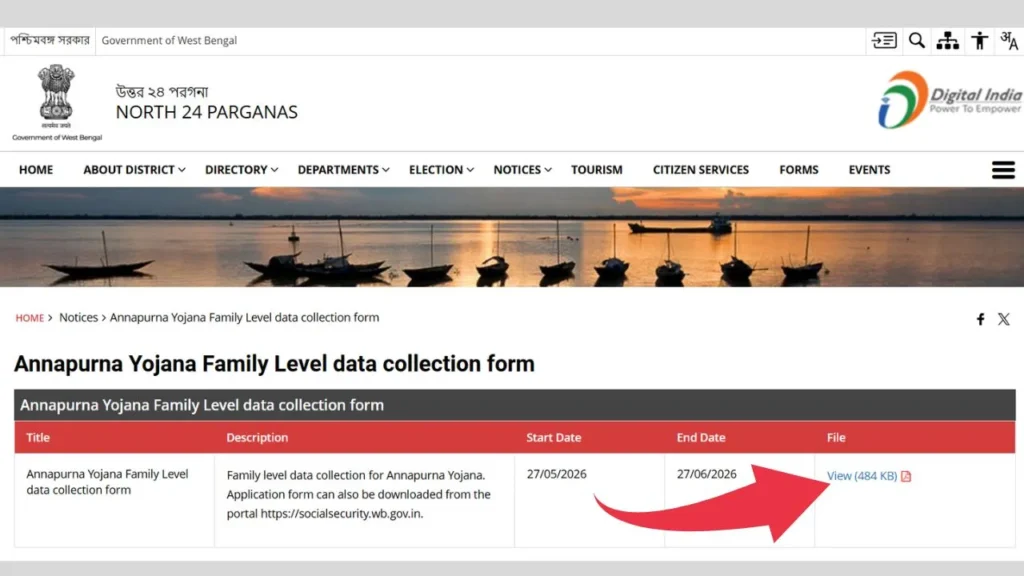
Applying for the Annapurna Yojana family level data collection form online is simpler than most people expect, as long as you keep your documents ready before you begin. Additionally, remember that once you submit the form, you cannot edit the details through the citizen portal, so take your time and fill every section carefully. Follow these steps one by one to complete your registration without any trouble.
Step 1: Visit the Official Portal
First, open your phone browser or computer and go to the official portal at north24parganas.gov.in. This is the only government-authorized website for Annapurna Yojana online registration, so always double-check that the URL ends in “.gov.in” before entering any personal details. Moreover, avoid any unofficial websites that look similar, since many fake portals are currently circulating online.
Step 2: Click on Access Citizen Portal
On the homepage, you will find two sections: one for citizens and one for department officers. Therefore, click on the “Access Citizen Portal” option, which takes you directly to the family login page meant for applicants like you.
Step 3: Select Your District and Enter Mobile Number
Next, select your district from the dropdown menu provided on the page. After that, enter your active registered mobile number in the given field and fill in the CAPTCHA code exactly as shown. It is important to use a mobile number that you actually have access to, since the OTP will arrive on this number in a few seconds.
Step 4: Request OTP and Verify Login
Now click on “Request OTP” and wait for the 6-digit code to arrive on your mobile. Once you receive it, enter the OTP in the box and click “Verify and Continue”. Consequently, the portal logs you in and takes you directly to the Family Data Collection interface, where the actual form begins.
Step 5: Fill the Basic Information Section (Head of Family)
The form opens with the Head of Family section first. Here, enter the name, date of birth, gender, category, Aadhaar number, voter card details, and bank account information of the senior or primary member of the household. Furthermore, confirm the Household ID from your Digital Ration Card in this section, as this detail connects your family to the existing food security database.
Step 6: Add All Family Members
After completing the Head of Family details, click the “Add Member” button to include every other person living in your household. Additionally, for each eligible female family member, the form asks specifically whether she is applying for Annapurna Yojana. In that case, select “Yes, I am Applying” without fail. Moreover, if any member already receives DBT benefits from schemes like Lakshmir Bhandar or Swasthya Sathi, declare those benefits honestly, since hiding this information can lead to rejection during verification.
Step 7: Complete Remaining Sections
After adding all members, move through the remaining sections of the form one by one. These sections cover Ration Card and Food Subsidy details, Assets such as house, land, and vehicles, Income and Profession details including employment type and annual income, and Other Identity Documents including any SIR 2026 tribunal status if applicable. Meanwhile, make sure the “Want to Opt Out” option remains set to NO throughout the form, as accidentally selecting Yes can remove you from the beneficiary list.
Step 8: Review, Declare, and Submit
Before final submission, carefully read through every detail you have entered across all sections. After verifying, tick the consent and declaration checkbox to confirm that the information provided is true and correct. Then click Submit to complete the registration process.
Step 9: Save Your Temporary Application ID
As soon as you submit, the system generates a Temporary Application ID. This is your only proof of a successful submission, so save it immediately by taking a screenshot or writing it down. In addition, you will need this ID if you visit your local BDO or SDO office to follow up on your application status later.
| Step | Action |
|---|---|
| Step 1 | Visit north24parganas.gov.in |
| Step 2 | Click Access Citizen Portal |
| Step 3 | Select district and enter mobile number |
| Step 4 | Request OTP and verify login |
| Step 5 | Fill Head of Family basic information |
| Step 6 | Add all family members and declare scheme benefits |
| Step 7 | Complete Ration Card, Assets, Income, and Identity sections |
| Step 8 | Review, tick declaration, and submit form |
| Step 9 | Save Temporary Application ID |
Annapurna Yojana Form Download PDF
If online registration feels overwhelming, the offline route works just as well. The Annapurna Bhandar form has been available since 27 May 2026 in three languages, and you can download the PDF directly from the official portal or collect a printed copy from your nearest Block Development Office, Sub-Divisional Office, or municipal office. In addition, the government organized special “Janakalyan Shibir” camps between 15 and 17 June 2026, where field officials helped residents fill and submit the form on the spot.
Once downloaded, applicants must fill the form by hand, self-attest the required documents, and submit everything to their local BDO, SDO, or Panchayat office. Consequently, this offline window remains open for 90 days starting 1 June 2026, giving families enough time to complete the process without rushing.
| Detail | Information |
|---|---|
| Official Portal | socialregistry.wb.gov.in |
| Payment Status Portal | socialsecurity.wb.gov.in |
| Monthly Benefit | ₹3,000 per eligible woman |
| Form Length | 11-12 pages |
| Languages Available | English, Bengali, Hindi |
| Offline Window | 90 days from 1 June 2026 |
| Helpline | 1800-345-5555 (Toll-free) |
Family Level Data Collection Form for Annapurna Yojana Status Check
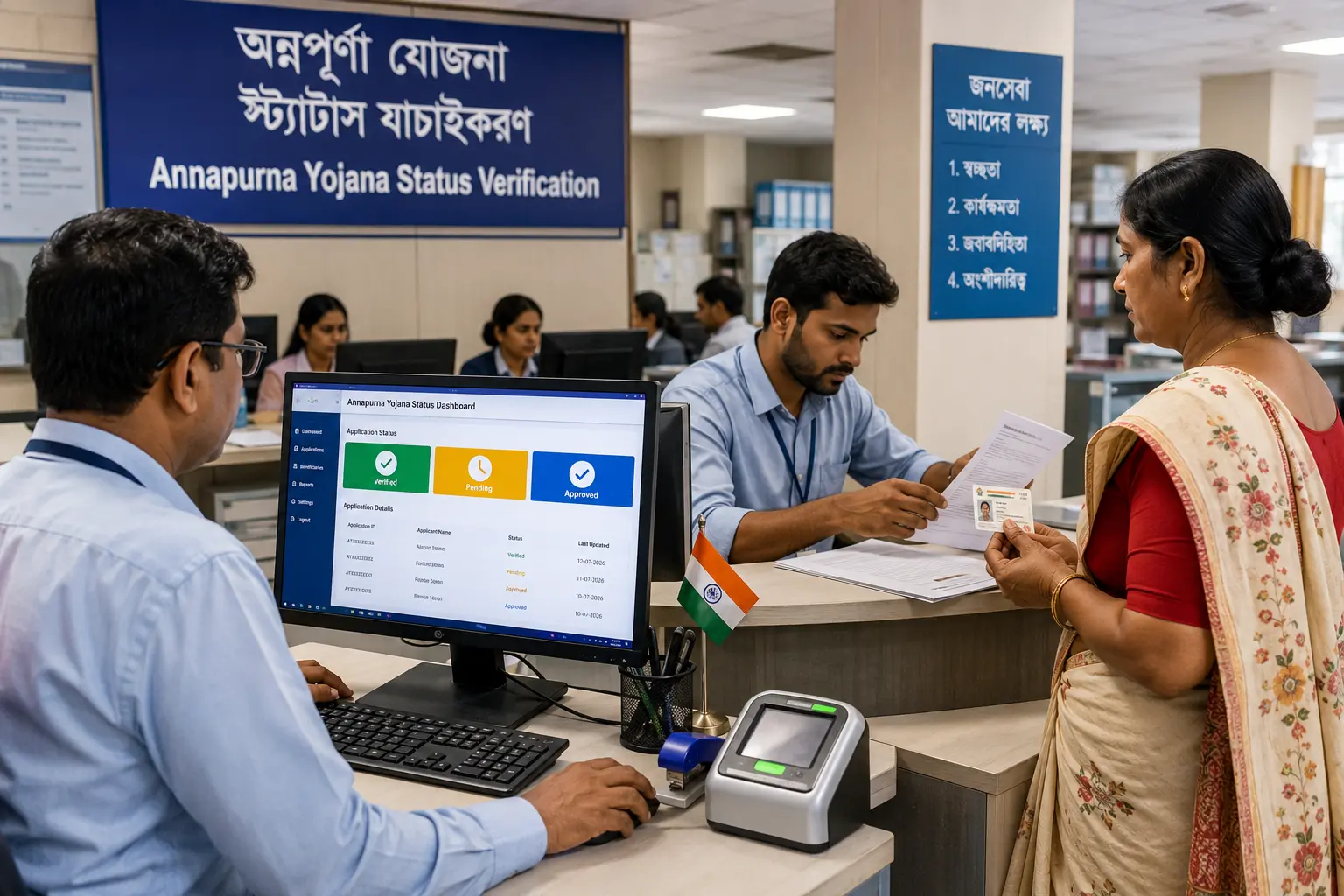
Once you submit the form, whether online or offline, the system generates a Temporary Application ID. This ID acts as your reference number, so save it carefully. To check your status, visit your local BDO or SDO office and provide this Application ID. The official will then verify your details and inform you whether your application stands approved, under verification, rejected, or pending further review.
Alternatively, if you registered online through socialregistry.wb.gov.in, you can log in again using your mobile OTP and view your beneficiary status directly on the dashboard. On the other hand, if your concern relates specifically to the ₹3,000 payment already credited, socialsecurity.wb.gov.in shows your DBT payment history. Therefore, knowing which portal handles which function saves a lot of confusion during the verification stage.
Eligibility for Annapurna Yojana Online Registration
Eligibility requirements stay fairly simple. The applicant must be a permanent resident of West Bengal with valid address proof, and the Head of Family must be at least 18 years old. Furthermore, the household should hold a BPL, AAY, or PHH ration card, and this ration card must be linked with Aadhaar. Families already enrolled in another government food security scheme typically cannot claim dual benefits under Annapurna Yojana.
After submission, a physical field audit follows, where verifying officials visit the household to confirm the details provided. Based on this audit, the authority issues a final recommendation to either accept or reject the family for enrollment, which then triggers the monthly DBT cycle for approved households.
Why This Data Collection Matters
This exercise goes beyond a simple application, since it builds a verified social registry that future welfare schemes in West Bengal may rely on as well. Therefore, even existing beneficiaries who already receive payments must submit updated family data, because no household gets automatically exempted from this fresh data drive. In short, completing the form accurately protects your family’s continued access to both food subsidies and cash assistance, so it is worth taking the time to get every detail right.
Conclusion
The Annapurna Yojana Family Level Data Collection Form 2026 is a crucial step for eligible households in West Bengal to receive the monthly ₹3,000 Direct Benefit Transfer (DBT) under the scheme. Whether you choose the online portal or the offline application process, make sure all family details and supporting documents are accurate to avoid delays during verification. After submitting the form, keep your Temporary Application ID safe so you can track your application status easily. Completing the Family Level Data Collection on time will help ensure your family remains eligible for current and future government welfare benefits.
FAQs
The official portal is socialregistry.wb.gov.in, while socialsecurity.wb.gov.in handles form downloads and payment status checks.
Yes, the form is available as a free PDF download in English, Bengali, and Hindi from the official portal.
Visit your local BDO or SDO office with your Temporary Application ID, or log in to socialregistry.wb.gov.in using mobile OTP to view your dashboard status.
No, existing active Lakshmir Bhandar beneficiaries are automatically migrated to Annapurna Yojana and do not need to register separately.
The offline submission window remains open for 90 days starting 1 June 2026, with the last date falling around late August 2026.
SEE ALSO: How to Check Annapurna Bhandar Yojana Eligibility Criteria?